

Most "AI" tools these days are just wrappers around an API. You upload your file, wait for a server to process it, and hope your data isn't being used to train the next big model.
When I decided to add an Audio Stem Splitter to Kitmul, I had one non-negotiable rule: Zero server uploads.
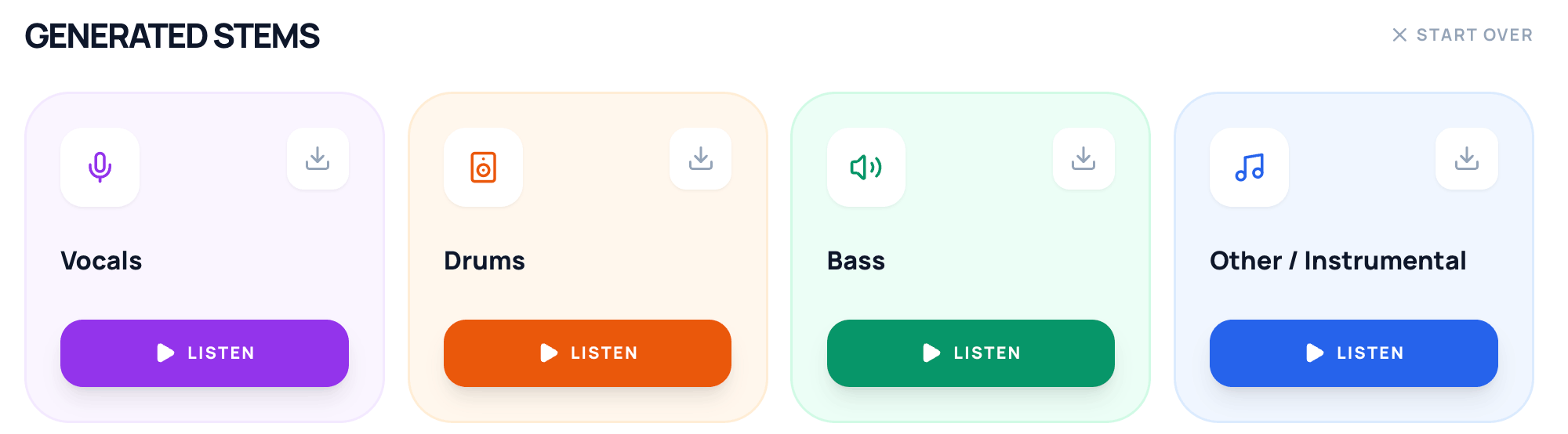
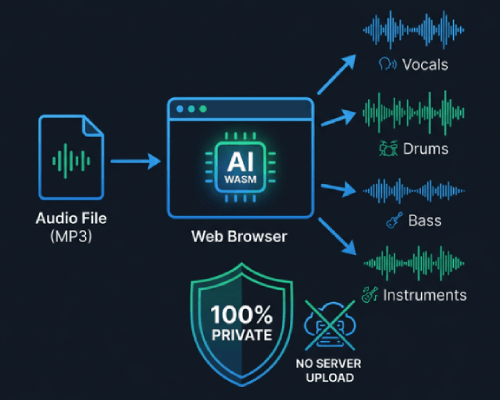
The result is a tool that can take any song and split it into Vocals, Drums, Bass, and Instruments entirely within your browser.
The Problem with Traditional Audio Splitting
If you've ever used tools like PhonicMind or LALAL.AI, you know the drill:
- Upload your MP3.
- Wait in a queue.
- Pay for "credits" or high-quality downloads.
- Your file sits on someone else's server.
For musicians, producers, or just karaoke fans, this is slow and privacy-invasive. I wanted to see if we could bring the power of models like Demucs directly to the user's hardware using WebAssembly and Web Workers.
How it Works: AI in the Browser
The magic happens thanks to a few modern web technologies:
- WebAssembly (WASM): We run the heavy lifting—the actual neural network inference—using a specialized AI model optimized for the browser.
- Web Workers: Splitting audio is CPU-intensive. By offloading the process to a background thread, the UI remains snappy. You can still navigate the site while the "AI chef" is in the kitchen.
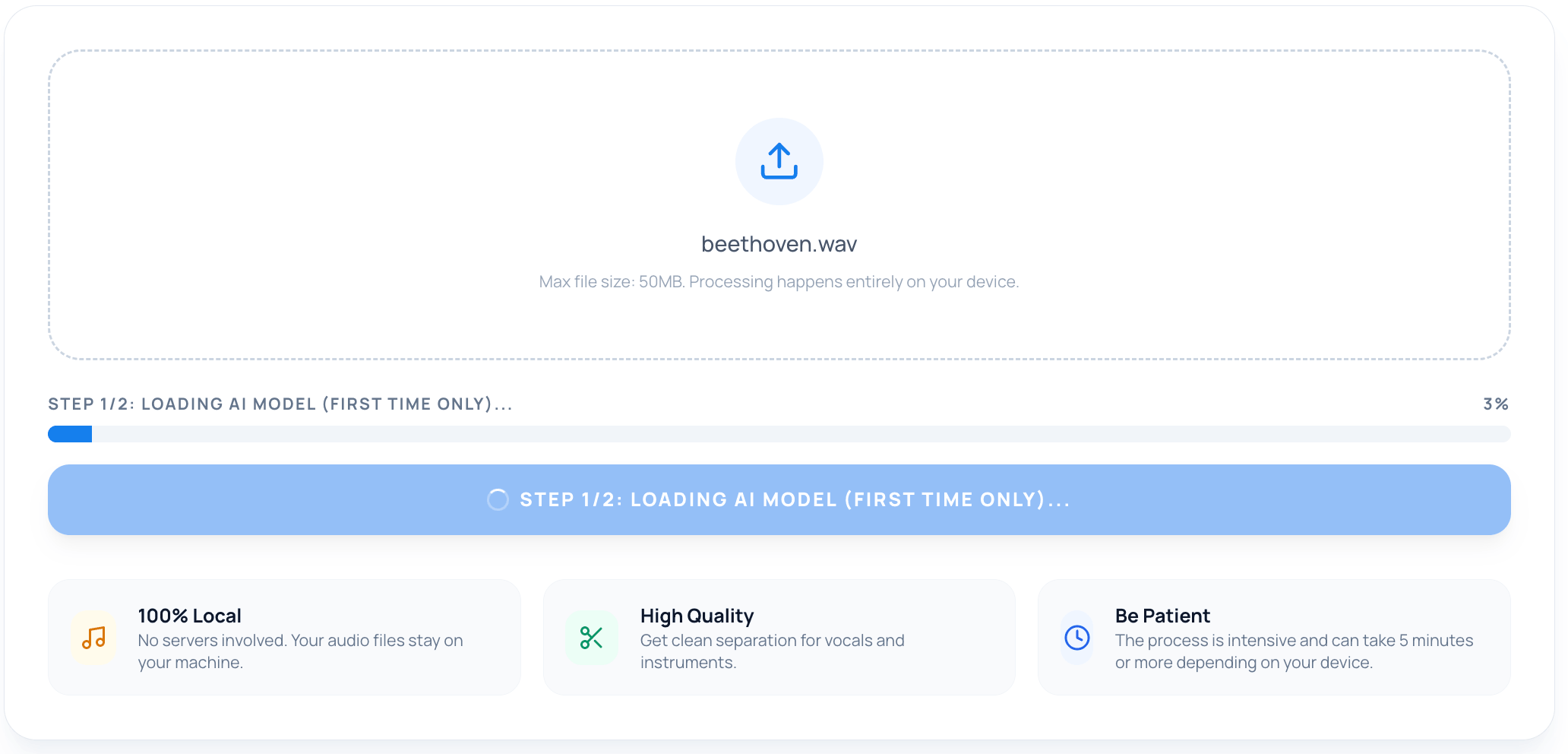
- Local Processing: When you drag a file into the splitter, the browser reads the raw bytes, processes them locally, and generates the stems. Your audio never leaves your computer.
Why Use an On-Device Splitter?
- Privacy First: Your unfinished demos or private recordings stay private.
- No Subscriptions: Since it uses your CPU/GPU, there's no server cost for me to pass on to you. It's free.
- High Fidelity: We export the results in high-quality WAV format, not compressed MP3s.
- No Limits: Split as many songs as you want without worrying about "minutes remaining."
Beyond Karaoke: Practical Use Cases
While removing vocals for karaoke is the most obvious use, I've seen some great creative ways to use it:
- Sampling for Producers: Isolate a clean drum break or a bassline for your own tracks.
- Instrument Practice: Remove the guitar track so you can be the lead guitarist for your favorite band.
- Mixing Reference: Listen only to the vocal harmonies to study how a professional track was layered.
Try it Out
The Audio Stem Splitter is now live on Kitmul. It's best used on desktop (Chrome or Edge handle the AI models particularly well).
👉 Try the Audio Stem Splitter on Kitmul
I'm constantly adding more tools to Kitmul (we're at over 150 now!), but this one feels special because it pushes the boundaries of what the browser can do without relying on the cloud.
If you are a developer interested in on-device AI or a musician looking for a private way to split tracks, let me know what you think in the comments!


